



Sage Green Save the Date Template with Photo | 5×7 Printable | Editable Canva
$14.89
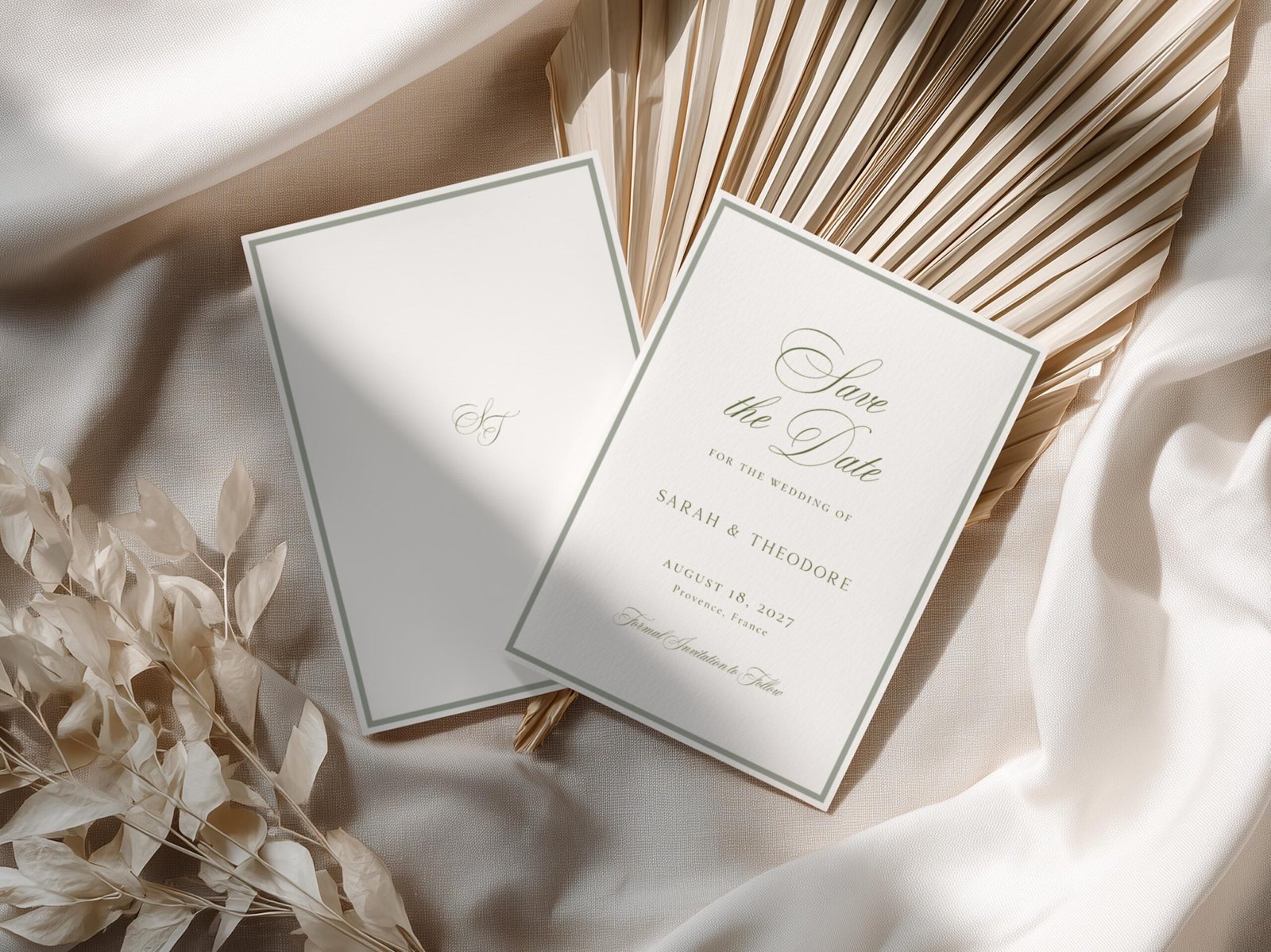
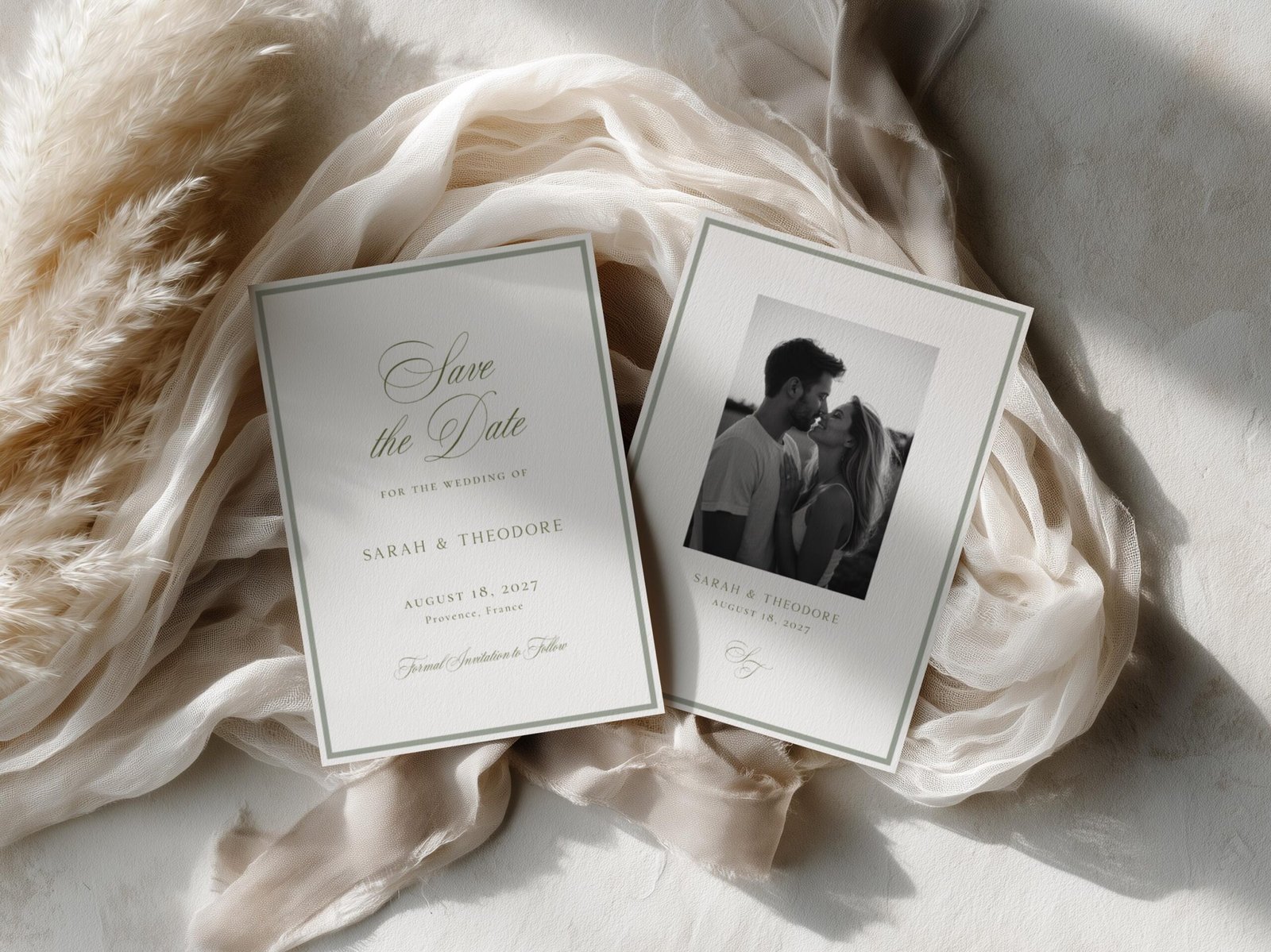
Sage Green Save the Date Template with Photo with 5×7 Printable. Let everyone know to mark their calendars — beautifully. Edit it in Canva from your laptop or phone — a free account is all you need.
- Instant accessRight after checkout
- Free Canva account worksNo design skills needed
- Yours to keepLifetime access to your copy
- Secure checkoutHelp within 24 hours
Description
Sage Green Save the Date Template with Photo. Let everyone know to mark their calendars — beautifully. Meet the Sage Green Save the Date Template with Photo — a save the date card you can personalize in just a few minutes. It features soft sage green that feels calm, fresh and effortlessly modern.
Send it by text or email, post it on social media, or print it at home or at your local print shop. You also get photo placeholders for your own pictures and a standard 5×7 size. Edit it in Canva from your laptop or phone — a free account is all you need.
What’s Included
- Lifetime access — once the template is in your Canva account, it’s yours to edit and reuse forever
- Photo placeholders — add your own engagement or couple photos
- Standard 5×7 inch size (fits standard A7 envelopes and frames)
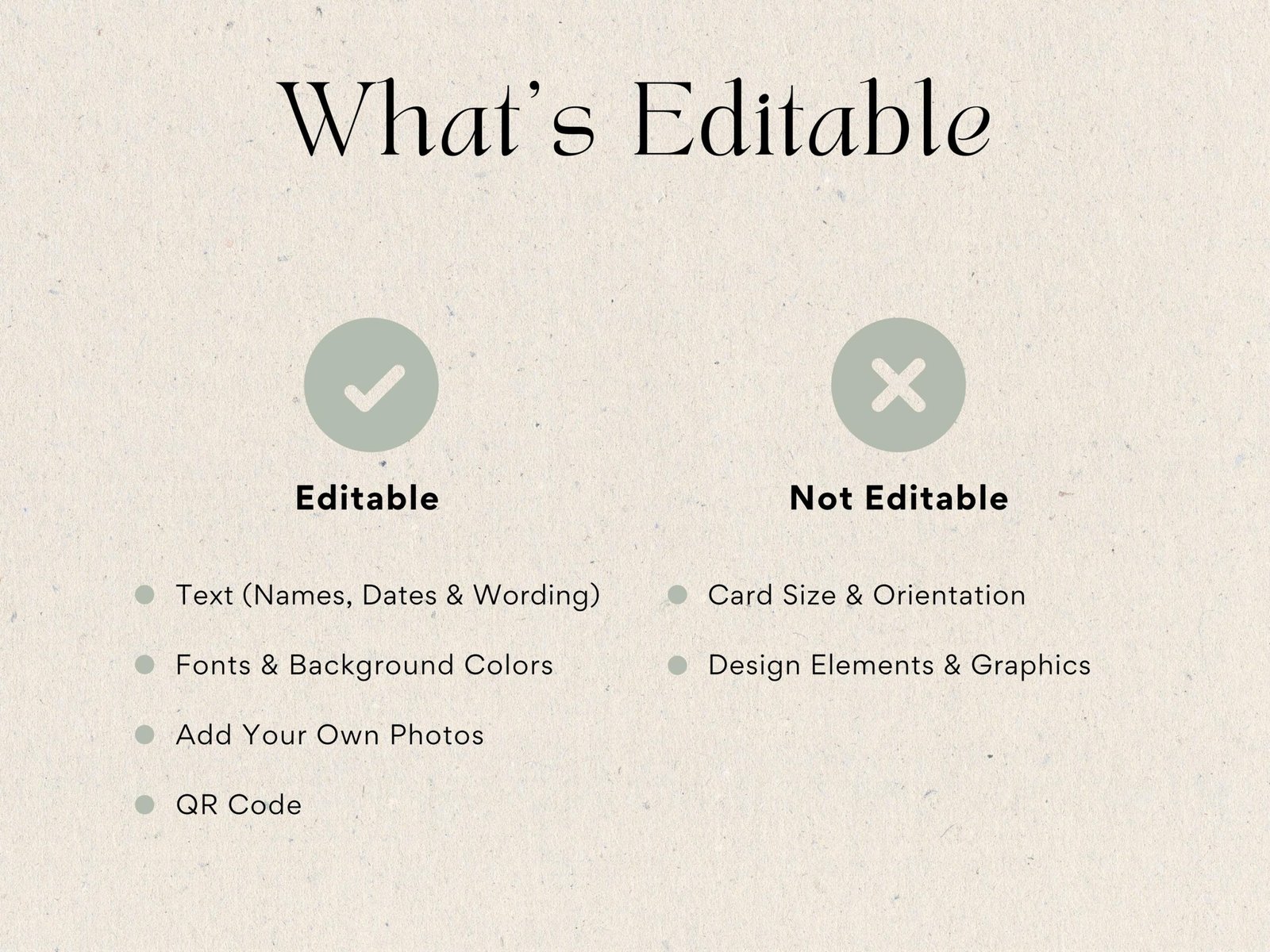
- Fully editable in Canva — works with a free Canva account on desktop, tablet or phone
- Easy editing — no design skills required
- Delivered instantly — start personalizing today
How It Works
- Your template link arrives the moment your order is complete.
- Click the link, then “Use template” to make your own copy in Canva.
- Swap in your names, details and photos — no design experience needed.
- Print it, post it or send it — your choice.
Made For
- Both printed mailings and digital sharing
- Couples sending save the dates 6–8 months before the wedding
- Engagement photoshoots and announcement posts
Tip: print on heavy matte cardstock for a premium feel.
Love this style? Browse our wedding websites and bridal shower invitations.
Frequently Asked Questions
Can I edit it on my phone?
Yes. Canva works on desktop, tablet and the free mobile app.
When should save the dates go out?
Typically 6–8 months before the wedding, or earlier for destination weddings.
Will anything be shipped?
No — this is a digital product, so nothing physical is shipped.
Good to Know
- Digital product — colors may vary slightly between screens and printers.
- For personal use only.
- See our Terms and Refund Policy.
Related products
-

Old Money Burgundy & Olive Save the Date Website | RSVP | Canva
$29.00 Add to cart -

Neutral Old Money Save the Date Card with Photo | Elegant Printable | Canva
$14.54 Add to cart -

Burgundy & Ivory Save the Date Website | RSVP & Countdown | Canva
$25.00 Add to cart -

Save the Date Newspaper Template | Engagement Photoshoot Prop | Editable Canva
$24.74 Add to cart
Reviews
There are no reviews yet.